
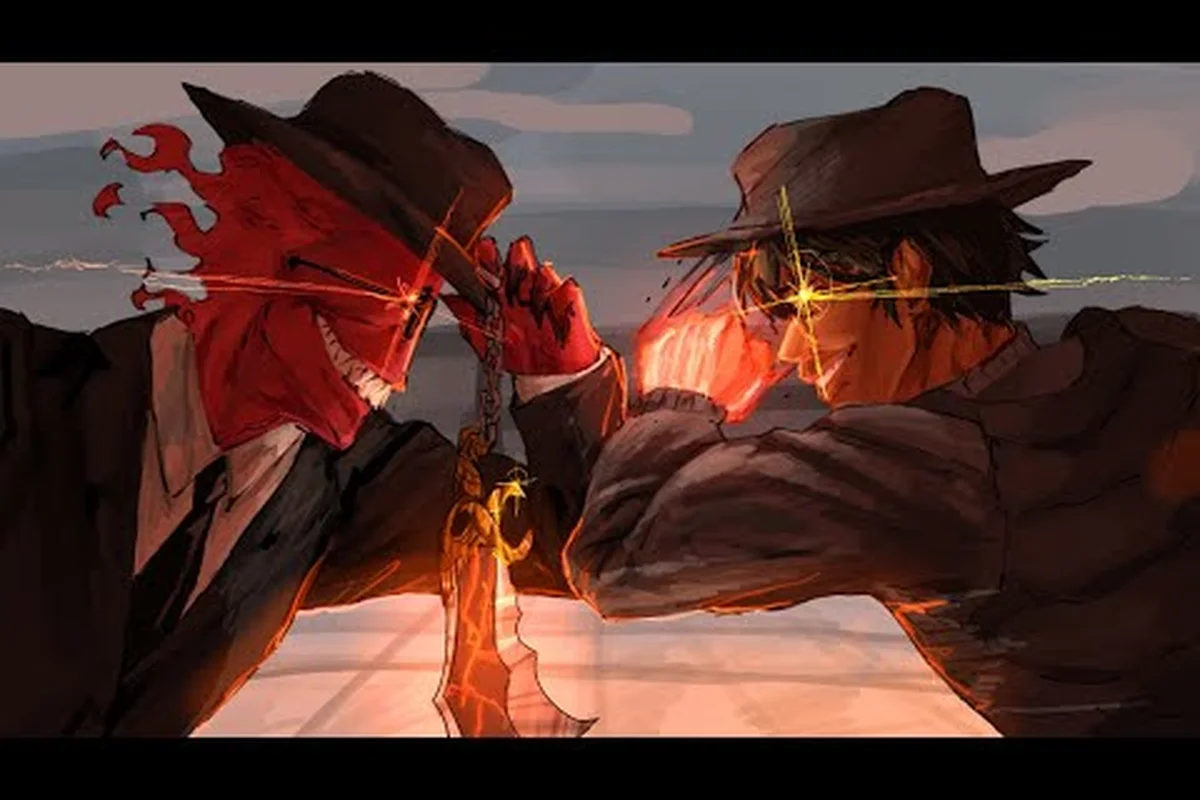
The Legends Battlegrounds Discord server is the fastest way to catch balance patches, moveset previews, and tournament announcements before they hit the Roblox game page. This guide hands you the verified invite link and explains which channels actually matter for tracking Arts of Vermillion's development.
Why the Official Discord Is the Community Hub
Legends Battlegrounds is a Roblox-exclusive PvP fighter built by Arts of Vermillion, with lead developer Zalekoth (known in the community as zale) steering the project. Because the game ships frequent balance tweaks to movesets, awakenings, and ultimate cooldowns, patch notes often land on Discord hours before they appear anywhere else. That timing gap is the whole reason the server is worth your attention.
The official Roblox group sits at roughly 1.446 million members, while the Discord guild — named Arts of Vermillion — carries around 120,000 members according to community data. That ratio tells you something useful: the Discord is the concentrated, active slice of the player base, not just a passive follower count.
Here is what you gain by being inside: the Arts of Vermillion Discord functions as the game's real-time command center, where Zalekoth (zale) and the dev team push patch notes and hotfix logs before they ever reach the Roblox page — a meaningful edge when a moveset rebalance or ultimate cooldown change can shift your ranked matchup overnight. Beyond patch timing, the guild's bug report channels let you flag desync, hitbox, or matchmaking issues directly, while ban appeal and player report paths and tournament announcements keep you tied into the competitive scene. With roughly 120,000 members, the server also hosts trading and duel-finding threads for arranging 1v1s, so you're never short of sparring partners.
-
Patch notes and hotfix logs posted directly by the dev team
-
Moveset previews for upcoming stickman characters before release
-
Bug report channels where you can flag desync, hitbox, or matchmaking issues
-
Ban appeal and player report submission paths
-
Tournament and community event announcements
-
Trading and duel-finding threads for arranging 1v1s
If you want the broader picture of who runs the game and how the studio operates, the Arts of Vermillion developer breakdown covers the team structure and group history in detail — useful background for understanding why the Discord's moderation and announcement cadence is shaped the way it is. That same structure explains a practical quirk: because Zalekoth (zale) posts balance changes and hotfix logs personally rather than through a community manager, the Arts of Vermillion server effectively doubles as the game's primary changelog, which is why members treat it as more authoritative than the Roblox group wall.
What the Server Is Not
It is not a general Roblox hangout, and it is not a substitute for the in-game lobby. The Discord is a coordination and information hub. Matchmaking still happens in-game, and your actual PvP progression — M1 chains, Q dash cancels, F blocks, G awakenings — all runs through Roblox itself. Treat the server as your news desk, not your arena.
How to Join the Legends Battlegrounds Discord
Joining takes under a minute, but a few steps trip people up. The invite code is aov, which resolves to the Arts of Vermillion guild. You can reach it through the official Roblox group page, which links out to the server, or by entering the invite directly.
The Roblox group is the safest entry point because it is the developer's own verified page. You can find it at the official Legends Battlegrounds group page, where the Discord invite is posted alongside announcements.
| Step | Action | Where |
|---|---|---|
| 1 | Open the official Roblox group page | roblox.com/groups/33327115 |
| 2 | Find the social links section | Group description area |
| 3 | Click the Discord invite | Redirects to discord.gg/aov |
| 4 | Accept the server rules | #rules channel |
| 5 | Pick your roles | #roles channel |
| 6 | Read pinned patch notes | #announcements |
Verifying You Are in the Right Place
Fake servers clone popular Roblox games constantly, so confirm three things before you start chatting. First, the guild name should read Arts of Vermillion. Second, the member count should sit in the six-figure range, not a few hundred. Third, the announcement channel should contain patch notes signed by the dev team, not reposted screenshots from other sources.
If any of those three checks fail, you are in a mirror server — a common trap where cloned guilds copy the Arts of Vermillion name but spoof the member count with bot-inflated numbers and recycle old patch notes without the dev team's signature. Leaving immediately protects your account from scam links and fake nitro drops that these impostors post in place of real Legends Battlegrounds update announcements. Always re-enter through the verified Roblox group link, since that route pulls the guild ID directly from the official game page and cannot be redirected to a copycat. Bookmark the real server once inside so future joins skip the search results entirely, where fake listings often rank above the genuine one.
Common Join Problems
Invite links expire or get rate-limited when a big update drops and thousands of players click at once. If the link fails, wait a few minutes and retry, or use the group page as your fallback. Mobile users sometimes need to open the link in a browser rather than the in-app viewer, since the Discord app's deep-link handling can silently fail on older Android builds.
Channel Map: Where the Real Information Lives
The server is organized into categories, and knowing which channels to pin saves you from scrolling through general chat. The table below reflects the typical layout reported by players. In practice, the highest-value channels cluster at the top: #announcements and #patch-notes carry the balance-change logs that decide which movesets stay viable, while #dev-updates is where roadmap teasers and feature polls surface first. Lower down, the utility channels — #bug-reports, #ban-appeals, and #player-reports — operate on a ticket-style flow, so posting a desync clip with your match ID and timestamp gets a faster moderation response than a vague complaint in general chat. If you only pin three channels, make them #announcements, #patch-notes, and #duel-finder; the first two keep you current on hotfixes, and the third is where 1v1 matchmaking actually happens.
| Channel | Purpose | Check Frequency |
|---|---|---|
| #announcements | Patch notes, hotfixes, downtime | Daily |
| #patch-notes | Detailed balance change logs | After each update |
| #dev-updates | Roadmap and feature teasers | Weekly |
| #bug-reports | Submit desync/hitbox issues | As needed |
| #ban-appeals | Appeal moderation actions | As needed |
| #player-reports | Report rule-breakers | As needed |
| #duel-finder | Arrange 1v1 matches | Whenever you play |
| #trading | Moveset and cosmetic swaps | Optional |
| #community-events | Tournaments and contests | Weekly |
The Channels You Should Mute
General chat and meme channels move fast during update windows and will bury anything useful. Mute them, then pin the five channels that carry actual signal: #announcements, #patch-notes, #dev-updates, #bug-reports, and #community-events. That single adjustment turns the server from noise into a clean feed.
Reading Patch Notes Properly
Balance changes in a fighting game are only meaningful when you connect them to your character. When a patch note says a Q dash recovery window was extended, that is a nerf to aggressive rushdown play. When an awakening ultimate gets a damage bump, that shifts the value of saving your meter. Read each note, then ask which of your four base moves it touches. Players who track this consistently adapt faster than those who just read the headline.
Beyond Discord: Official Twitter, YouTube, and Community Hubs
Discord is the deepest channel, but it is not the only one. The developer maintains a presence on X (formerly Twitter) and YouTube, and each platform serves a different purpose. Knowing which to follow prevents you from missing announcements that never get cross-posted.
| Platform | Handle / Link | Best For |
|---|---|---|
| Discord | discord.gg/aov | Patch notes, bug reports, duels |
| X / Twitter | @Zalekoth | Short teasers, downtime alerts |
| YouTube | @Zalekoth | Moveset showcases, trailers |
| Roblox Group | Arts of Vermillion | Membership, group rewards |
| Roblox Game Page | place 15269951959 | Playing the game itself |
The Official Twitter Handle
The Legends Battlegrounds official twitter account runs under the handle @Zalekoth, matching the lead developer's name. This is the account to follow for quick-hit news: server downtime, surprise update drops, and short clips of new movesets. Because posts are brief, the Twitter feed works best as an alert system — it tells you something happened, then you head to Discord for the full breakdown.
The Official YouTube Channel
The Legends Battlegrounds official youtube channel, also at @Zalekoth, hosts longer-form content. Expect moveset demonstrations, character reveal trailers, and occasional developer commentary. With roughly 11.3K subscribers according to community data, it is a smaller audience than the Discord, which means comments and questions get more visibility than they would on a massive channel.
For a deeper look at how the YouTube presence fits into the game's overall growth, the Legends Battlegrounds YouTube and community reach analysis breaks down the numbers and what they signal about the player base.
Why the Community Is Concentrated on Discord
Roblox fighters live and die by their patch cadence, and Discord is the only platform built for threaded, searchable, role-gated discussion. Twitter is too short, YouTube is too slow, and the Roblox group page is too static. That structural fit is why the Legends Battlegrounds official community gravitates to Discord rather than spreading evenly across platforms.
Getting Value Out of the Server as a New Player
New players often join, lurk for a week, and leave because they do not know what to do. The server's value is not in its member count but in a handful of high-signal channels — #patch-notes, #dev-updates, #duel-finder, #bug-reports, and #rules — while the rest is mostly memes and LFG noise. Treat the first week as an onboarding checklist rather than passive scrolling: read the pinned balance history before you touch ranked, introduce yourself in #duel-finder instead of waiting to be invited, and file one concrete bug report so the dev team can trace your account. Here is a practical routine that turns the server into a real advantage.
-
Day 1: Read #rules and #announcements, then mute everything except the five signal channels
-
Day 2: Skim the last month of #patch-notes to understand the current balance state
-
Day 3: Post in #duel-finder and run a few friendly 1v1s against players who are not ranked far above you
-
Week 1: Submit one bug report if you notice desync or a hitbox that feels wrong — the dev team reads these
-
Ongoing: Check #dev-updates weekly so you are never surprised by a moveset rework
Using the Duel-Finder Channel
The #duel-finder channel is the most underused resource for improving. Random matchmaking throws you against whoever is online, but duel-finder lets you request opponents near your skill level and specify rules — no awakenings, best of five, practice mode only. Players who use it consistently report faster improvement than those who grind public lobbies, because they can isolate one mechanic at a time instead of fighting full chaos.
If you are still figuring out the basics of combat flow, the public lobby and matchmaking guide explains how server hopping and friend lobbies work, which pairs well with duel-finder practice. Read that guide first to understand how the default matchmaking pool fills and why region selection affects ping, then return to #duel-finder with a clear goal — for example, asking a Diamond-ranked partner to run ten rounds of block-timing drills at a fixed 60 FPS setting so your parry windows stay consistent across sessions.
Reporting Bugs That Actually Get Fixed
A vague report like "hitboxes are broken" gets ignored. A useful report includes the character you played, the move involved, the opponent's character, and a rough timestamp. If you can record a short clip, attach it. The dev team prioritizes reproducible bugs, and a report with a clip and clear steps moves to the top of the queue far faster than a text complaint.
Respecting the Rules
Every server has moderation, and the Arts of Vermillion guild is no exception. Ban appeals go through a dedicated channel, not general chat. Player reports need evidence. Spamming #bug-reports with duplicates slows down triage for everyone. Treat the channels as tools with specific functions, and you will get far more out of the community than someone who treats it as a chat room.
Frequently Asked Questions
What is the official Legends Battlegrounds Discord link?
The verified invite resolves to the Arts of Vermillion guild using the code aov. The safest way to reach it is through the official Roblox group page, which links directly to the server. Avoid invite links posted by random users in YouTube comments, since those often point to clone servers with no developer involvement.
Do I need to join the Roblox group to use the Discord?
No, membership in the Roblox group is not required to join the Discord server. However, joining the group gives you access to group-locked perks and makes it easier to find the verified invite link through the official page. Many players do both since the group is free to join.
Is the Legends Battlegrounds official twitter the same as the YouTube channel?
Both accounts use the handle @Zalekoth, matching the lead developer's name. Twitter carries short teasers and downtime alerts, while YouTube hosts longer moveset showcases and trailers. Following both gives you full coverage, since announcements are not always cross-posted between the two platforms.
How often are patch notes posted in the server?
Patch notes typically appear within hours of a live update, and hotfix logs follow shortly after when the dev team pushes a correction. During major update windows, expect multiple posts in a single day. Checking #announcements daily keeps you current without needing to scroll through general chat.
Can I get banned from the Discord for in-game behavior?
Yes, moderation covers both server conduct and serious in-game violations that get reported with evidence. Ban appeals are handled through a dedicated channel rather than general chat, so if you are actioned, submit your appeal there with any supporting context. Read the rules channel first to avoid common triggers.
The Legends Battlegrounds Discord server is the single best place to track how Arts of Vermillion evolves its fighter — patch notes, moveset previews, bug triage, and duel-finding all live in one guild. Join through the verified Roblox group link, mute the noise channels, and pin the five that carry real signal. Pair that with the official Twitter handle and YouTube channel for full coverage, and you will never be caught off guard by a balance change again.