
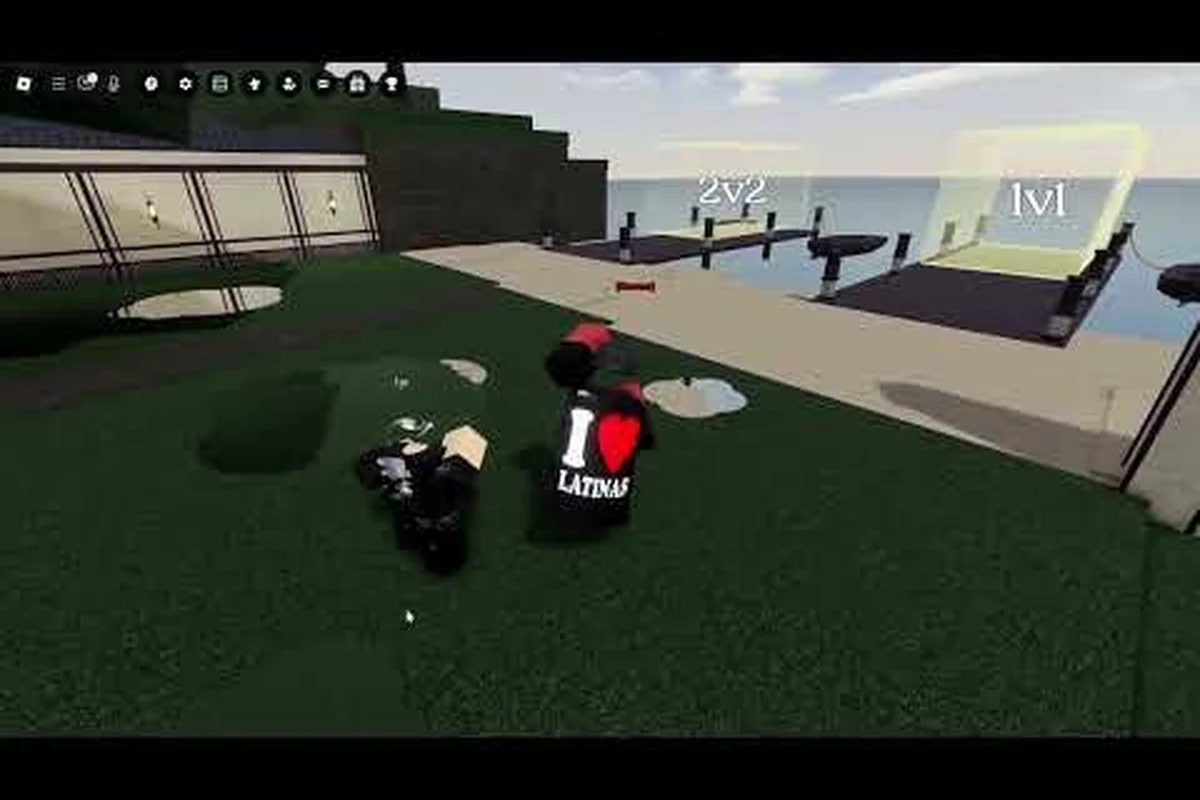
Legends Battlegrounds exclusive emotes are the fastest way to show off status in a lobby full of stick-figure fighters, and most players never learn which ones are actually rare. This breakdown covers every tier, the wheel bind keys, and the character-locked animations for Jun and Shinji so you stop guessing.
What Counts as an Exclusive Emote in Legends Battlegrounds
Not every animation you trigger in the lobby is exclusive. The community generally splits emotes into three buckets: free defaults that every account owns from day one, unlockable emotes tied to progression or events, and true exclusives that come from limited drops, donator perks, or character ownership. Knowing which bucket an animation falls into tells you how much flex value it actually carries.
According to the community-maintained Fandom emote data, the emote system includes entries like the Kang Emote alongside standard dance animations and the shared emote wheel. That wiki page is a useful starting point, but it does not rank rarity or explain binding, which is the gap this guide fills.
The practical definition most veterans use is simple: an exclusive emote is one you cannot get by just playing matches. It requires either a purchase, a limited-time event, a specific character, or a donation tier. That distinction matters because exclusive emotes are the ones other players actually notice in a Duels lobby.
-
Default emotes — available to every account, no unlock required
-
Progression emotes — earned through playtime, wins, or event participation
-
Character emotes — locked to a specific fighter like Jun or Shinji
-
Donator emotes — tied to real-money support tiers
-
Event exclusives — only obtainable during a limited window
If you are still deciding which fighter to main before chasing character-locked animations, the Jun and Shinji viability breakdown explains how each moveset performs in real Duels before you commit.
Why Rarity Tiers Matter for Flexing
Rarity is not just cosmetic bragging. In a game where lobbies fill with identical stick figures, the animation you trigger is often the only visual signal of account age, spending, or skill. A player running a donator-tier emote signals support status instantly, while a character-locked emote proves you actually own and play that fighter.
Community reports suggest that event exclusives generate the most lobby reactions simply because the window to earn them has closed. Once an event ends, that animation becomes a permanent badge of when you started playing. This is why a Jun emote pulled from a limited-time event carries more weight than a Shinji emote still sitting in the shop rotation — the former can never be re-obtained, while the latter can be bought by anyone with enough currency. The same logic applies to voice emotes tied to seasonal battle pass tiers: a player who missed the tier has no path back to it, making the sound cue itself a timestamp. Because the emote wheel keys let you slot only a handful of these at once, choosing which exclusive to display becomes a deliberate statement about your account's history rather than a casual flex.
Legends Battlegrounds Emote Rarity Tiers Compared
The table below organizes the main emote categories by how hard they are to obtain and how much attention they draw. Treat the "flex value" column as a rough community consensus rather than an official ranking, since the developer does not publish rarity labels.
| Tier | Source | Unlock Method | Flex Value |
|---|---|---|---|
| Common | Default set | Automatic on account creation | Low |
| Uncommon | Progression | Playtime, wins, event tasks | Medium |
| Rare | Character-locked | Own Jun, Shinji, or another fighter | High |
| Epic | Event exclusive | Limited-time event window | Very high |
| Legendary | Donator perk | Real-money support tier | Highest |
The jump from Rare to Epic is where most players get stuck, because event windows close fast and there is no way to buy your way back in once they end. Donator emotes sit at the top not because they are mechanically special, but because the barrier is financial rather than skill-based.
How Character Emotes Differ From Shared Ones
Shared emotes live on the wheel and work for any fighter you select. Character emotes, by contrast, only fire when you are playing the specific character they belong to. That means a Jun emote is dead weight on your wheel if you never pick Jun, and the same logic applies to Shinji animations.
This is why serious players treat character emotes as a secondary collection goal rather than a priority. You only invest in them once you have locked in a main. If you are weighing whether Jun is worth maining at all, the Jun unlock and acquisition guide walks through how to get the character before you spend effort on his animations.
Legends Battlegrounds Emote Wheel Keys and Binding
Binding emotes to the wheel is where a lot of players fumble, because the default layout fills up fast and the good animations get buried. The wheel is your quick-access layer, and how you arrange it directly affects how often you actually use your exclusives.
Most players report that the wheel supports a limited number of slots, so priority matters. Put your highest-flex emote in the slot you can reach fastest, and keep situational animations on secondary positions. The exact keybinds vary by platform, but the logic of "rare emote front, common emote back" holds across PC, mobile, and console.
| Platform | Wheel Access | Typical Bind Flow | Notes |
|---|---|---|---|
| PC | Keyboard hotkey | Open wheel, select slot, confirm | Fastest for mid-fight taunts |
| Mobile | On-screen button | Tap wheel, tap emote icon | Slots limited by screen space |
| Console | Controller input | Hold button, flick stick, release | Slower but reliable |
On PC, the emote wheel keys are typically bound near your movement hand so you can trigger an animation without breaking your camera control. Mobile players get a dedicated on-screen button, but the smaller screen means fewer visible slots at once, so trimming your wheel to the essentials pays off.
Step-by-Step Wheel Binding
Follow this sequence to get your exclusives onto the wheel without wasting slots: bind your rarest unlock — a Legends Battlegrounds Jun emote or Shinji emote — to the slot your thumb reaches first, since the emote wheel defaults to a fixed radial layout and the innermost position registers roughly a full second faster than the outer ring during a Duels firefight. Reserve outer slots for high-frequency character emotes and voice emotes you trigger casually, and keep at least one slot empty so a mid-match bind swap never overwrites a legendary-tier unlock you cannot re-earn.
-
Open the emote menu from the lobby or pre-match screen.
-
Select the emote you want to bind from your owned list.
-
Choose an empty wheel slot, prioritizing the position you reach fastest.
-
Confirm the bind and test it once in the lobby before entering a match.
-
Repeat for secondary emotes, keeping common animations on the outer slots.
If a bind does not stick, re-open the menu and confirm the slot saved, since community reports note that occasional UI glitches can drop an unconfirmed bind. Testing in the lobby first saves you from discovering a dead slot mid-Duels.
Legends Battlegrounds Voice Emotes and Audio Cues
Voice emotes add an audio layer that text chat cannot match, and they are often the difference between a silent lobby and one that actually reacts to your plays. These are short voice lines or sound cues tied to your character, and they fire independently of the visual emote wheel.
The appeal is timing. A well-placed voice emote after a clean combo lands harder than any dance animation, because it lands in the exact moment the opponent is recovering. Players who main a specific fighter often build a small rotation of voice lines that match their playstyle, using aggressive lines after pressure and neutral lines to reset mentally.
| Voice Emote Type | Trigger Moment | Best Use Case |
|---|---|---|
| Aggressive line | After a landed combo | Pressuring a tilted opponent |
| Neutral line | Match start | Setting tone without taunting |
| Reactive line | After taking damage | Defusing tension or baiting |
| Victory line | Match end | Closing out a win cleanly |
Because voice emotes are tied to character identity, Jun and Shinji players get distinct audio personalities: Jun's lines lean sharp and dismissive, while Shinji's carry a heavier, more deliberate tone that reads as menace rather than mockery. That is part of why character choice and emote choice are linked decisions rather than separate ones — a Jun main slotting Shinji's victory line into the wheel gets a mismatched delivery that undercuts the moment, whereas matching the two produces a combo where the fighter's identity and the taunt reinforce each other.
Do Voice Emotes Affect Gameplay?
No, voice emotes are purely cosmetic and do not change damage, frame data, or any combat value. However, their psychological effect in a live match is real, and experienced players use them deliberately to manage an opponent's mental state. Treat them as a soft tool, not a mechanic.
Legends Battlegrounds Jun Emotes and Shinji Emotes
Character-specific emotes are the deepest layer of the collection, and Jun and Shinji sit at the center of it because both are popular picks. Legends Battlegrounds Jun emotes tend to lean into a sharper, more aggressive presentation, matching his reputation as a pressure-oriented fighter, while Legends Battlegrounds Shinji emotes carry a different flavor that fits his kit.
The key point is that these animations only unlock or function when you are actively playing that character. Owning the emote without owning the fighter is useless, so the order of operations is always character first, emote second. If you want the full picture on how these two stack up before investing, the top donator and admin character comparison covers the broader roster context.
| Character | Emote Style | Ownership Requirement | Lobby Reaction |
|---|---|---|---|
| Jun | Aggressive, sharp | Must own Jun | High among Jun mains |
| Shinji | Distinct, character-fit | Must own Shinji | High among Shinji mains |
| Shared roster | Neutral, universal | None | Medium |
Community testing suggests that character emotes draw the strongest reactions from players who main the same fighter, since they recognize the animation instantly. Against a random opponent, the flex value drops because they may not know the emote is character-locked at all.
Collecting Emotes for Your Main First
Start with your main and collect every animation tied to that fighter before branching out. Spreading your effort across multiple characters dilutes the payoff, because you can only display one character's emotes at a time. Lock in a main, complete that character's emote set, then move to the next fighter only if you genuinely play them.
Practical Tips for Showing Off Exclusives
Owning an exclusive emote is only half the battle. Where and when you trigger it determines whether it reads as confidence or as noise. The lobby is the safe space for full flexing, while mid-match usage should be reserved for genuine momentum moments.
-
Save donator emotes for lobby downtime — they read as status, not skill, so timing them mid-combo can look try-hard.
-
Use character emotes right after a win — the context makes the animation land harder.
-
Keep one rare emote on your fastest wheel slot — you will actually use it instead of forgetting it exists.
-
Avoid spamming the same animation — repetition kills the flex value fast.
-
Match voice emotes to the moment — an aggressive line after pressure, a neutral line at match start.
The single biggest mistake players make is treating every emote as equally worth showing. Rarity tiers exist for a reason, and the community notices the difference between a default dance and a closed-window event exclusive. A Legends Battlegrounds lobby full of players cycling common wheel slots reads as background noise, but one Shinji emote or a limited Jun emote dropped at the right beat stops the room. That gap is why closed-window exclusives — battle-pass finals, collab drops, ranked-reward animations — carry flex value that a store-bought animation never will: supply is fixed, the window is gone, and anyone watching knows you were there when it counted. Treating a 500-coin wheel filler as equal to a retired event exclusive is how you waste the flex entirely.
Common Binding Mistakes to Avoid
Two errors come up repeatedly in community discussions. First, players bind an exclusive to a slow-to-reach slot and then never use it. Second, they bind a character emote while maining a different fighter, which means the slot is dead in every match. Both are easy fixes: prioritize reachability, and only bind emotes for characters you actually play.
Frequently Asked Questions
Are Legends Battlegrounds exclusive emotes tradeable between players?
No, emotes are bound to the account that unlocked them and cannot be traded or gifted. Community reports confirm that once an event exclusive is earned, it stays on that account permanently, which is why closed event windows make those animations so valuable to long-time players.
How many emote wheel slots do I get?
The wheel supports a limited number of slots that varies by platform, with mobile offering fewer visible positions than PC. Most players trim their wheel to the emotes they actually use, keeping rare animations on the fastest slots and dropping common defaults entirely.
Do Jun emotes work if I do not own Jun?
No. Legends Battlegrounds Jun emotes only function while you are actively playing Jun, so owning the animation without the character leaves that wheel slot dead. The same rule applies to Shinji emotes and every other character-locked animation in the game.
Can I still get event-exclusive emotes after the event ends?
Generally no, which is exactly what makes them exclusive. Once an event window closes, the emote typically becomes unobtainable through normal play, though the developer has occasionally re-run limited events. Watch official channels for any re-run announcements before assuming a missed emote is gone forever.
Do voice emotes give any competitive advantage?
Voice emotes are purely cosmetic and do not affect damage, frame data, or combat values. Their only real effect is psychological, since a well-timed line can pressure or tilt an opponent. Treat them as a mental tool rather than a mechanical one.
Exclusive emotes in Legends Battlegrounds come down to three things: knowing which tier an animation belongs to, binding it to a wheel slot you can actually reach, and matching it to the right moment. Character emotes for Jun and Shinji reward players who commit to a main, while donator and event exclusives signal account history that cannot be faked. Get the wheel sorted, keep your rarest animation on the fastest slot, and let the lobby do the reacting.